Home / The best label makers that work without an app
The best label makers that work without an app
If you want a label maker without an app, the Brother PT-D220 is the label maker to get. The DYMO LetraTag 100H is the cheap keyboard option, the LabelManager 160 has a full QWERTY layout, and the DYMO embosser needs no power at all.
Updated 11-01-2026 by Imogen Pratt
Questions this page answers
App or built-in keyboard?
A keyboard is faster for one label. An app is better for fonts and icons, and for long runs. Some business models do both.
Source: Bob Vila and Your Best Digs groupings.
Our pick for this: Brother P-touch PT-D610BTFix: Brother TZe-231 tape, 12 mm black on white
Batteries or rechargeable?
Keyboard handhelds often run on batteries with an optional adapter. App models tend to be rechargeable.
Source: maker specs.
Our pick for this: Brother P-touch PT-N25BTFix: Brother TZe-231 tape, 12 mm black on white
Is small text sharp enough?
Laminated and thermal label makers print crisp text at small sizes. Embossers do not.
Source: maker resolution specs.
Our pick for this: Brother P-touch PT-D220Fix: Brother TZe-231 tape, 12 mm black on white
Machines for this
 3D render, not a photo
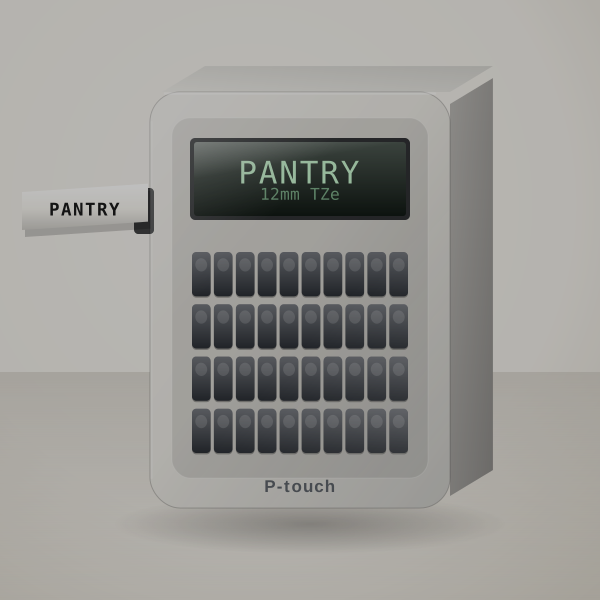
Brother P-touch PT-D220
Best overall for home and office
Full keyboard and screen; laminated labels with no phone anywhere.
Cost per label: About 14¢ to 21¢ per 2.5-inch label on genuine 12 mm TZe tape.
 3D render, not a photo
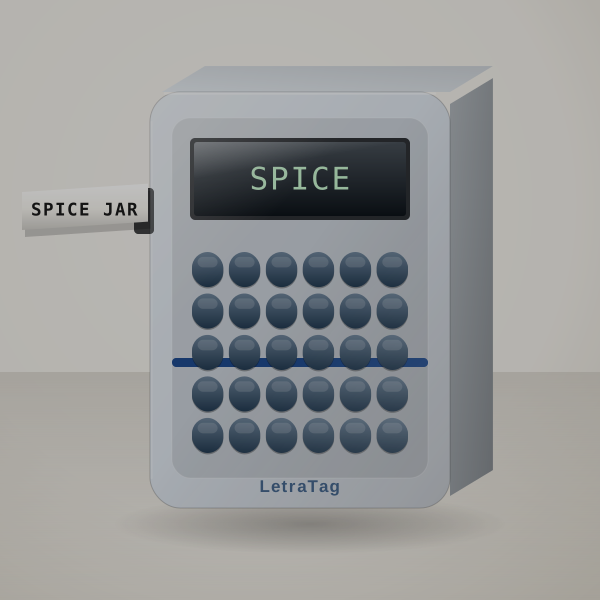
DYMO LetraTag 100H
Lowest cost to start
Simple buttons and the lowest price for a keyboard machine.
Cost per label: About 8¢ to 17¢ per label on paper LT tape, 13¢ to 21¢ on plastic.
 3D render, not a photo
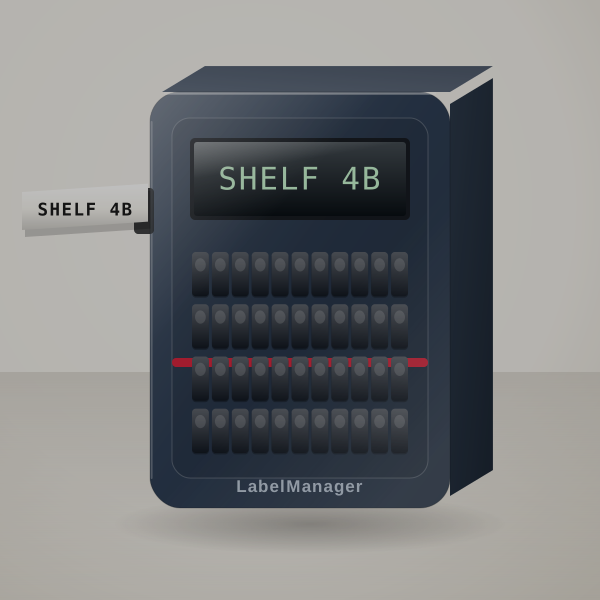
DYMO LabelManager 160
Best QWERTY handheld for a workshop
QWERTY and one-touch formatting for long typing sessions.
Cost per label: About 14¢ to 21¢ per label on 12 mm D1 tape.
 3D render, not a photo
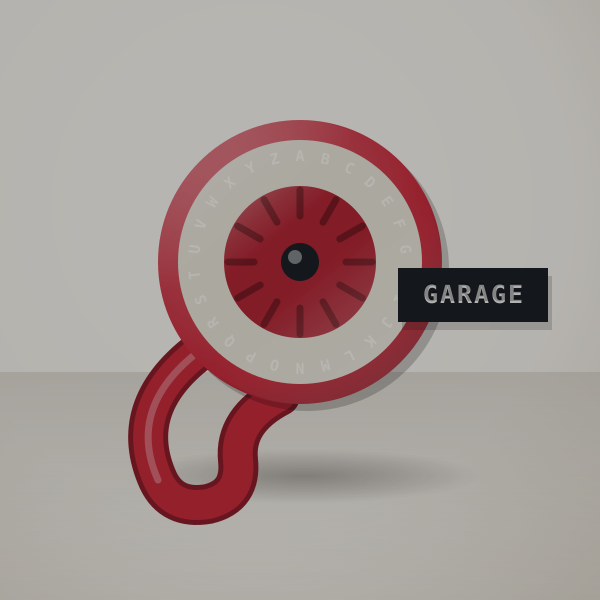
DYMO Organizer Xpress Pro Embossing Kit
Best for crafts and kids
Not even batteries: turn, squeeze, peel.
Cost per label: Pennies per label; embossing tape refills are among the cheapest supplies in this guide.
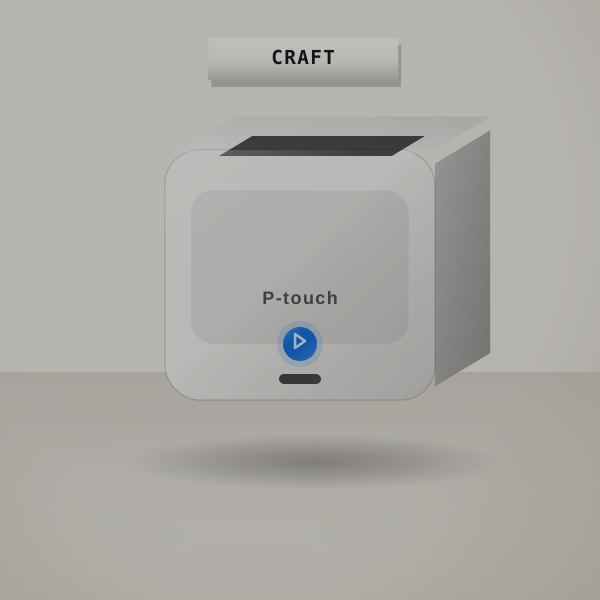 3D render, not a photo
Brother P-touch PT-N25BT
Best for colorful labels, keyboard or app
Works entirely from its keyboard; the app is optional.
Cost per label: About 21¢ to 31¢ per label; Btag cassettes are half the length of TZe.
Before you pick one
Why skip the app
Apps can change, ask for permissions or stop supporting older phones. A label maker with a keyboard prints the same way in ten years, and anyone in the house can use it.
The trade-off
Fonts and icons are easier in an app, and so is batch printing. For a label here and there, you will not miss them.
Keyboards differ
QWERTY layouts like the LabelManager 160 and PT-D220 are quicker for adults; the LetraTag's ABC layout is easier for kids.
A machine with both
The Brother PT-N25BT has a keyboard and also connects to an app when you want it, so the app stays optional.
Quick questions
Is there a label maker that does not need an app?
Yes: keyboard models like the Brother PT-D220 and DYMO LetraTag 100H print without a phone.
Do keyboard label makers need Wi-Fi?
No. They print on their own, from batteries or an adapter.
Which no-app label maker is easiest for seniors?
One with a QWERTY keyboard and a clear screen, such as the PT-D220 or LabelManager 160.
More guides
- The best label makers for home organization
- The best label makers for pantry jars
- The best label makers for classrooms
- The best cheap label makers
- The best label makers for small business
- The best shipping label printers for 4x6 labels
- The best label makers for the office
- The best Bluetooth label makers
- Label makers for electricians and panel work
- Brady BMP21-PLUS alternatives
- Label makers for outdoor and waterproof labels
- Brother vs DYMO: which label maker system to buy into
- Label cost calculator
- Label tapes and supplies