Home / Reviews / DYMO Organizer Xpress Pro Embossing Kit
DYMO Organizer Xpress Pro embossing kit review
The Organizer Xpress Pro makes raised, old-toolbox labels with no batteries or screen, and no app. Turn the wheel and squeeze; the letter is pressed into coloured vinyl tape. For kids and craft tables it is the most fun label maker here, and the cheapest to own.
- Best as
- Best for crafts and kids
- Prints on
- DYMO embossing tape, 3/8 inch (9 mm), in several colours.
- Cost per label
- Pennies per label; embossing tape refills are among the cheapest supplies in this guide.
Imogen Pratt, updated 11-01-2026. Sources: Bob Vila (roundup first published Sept 2020, updated since); Amazon listing.
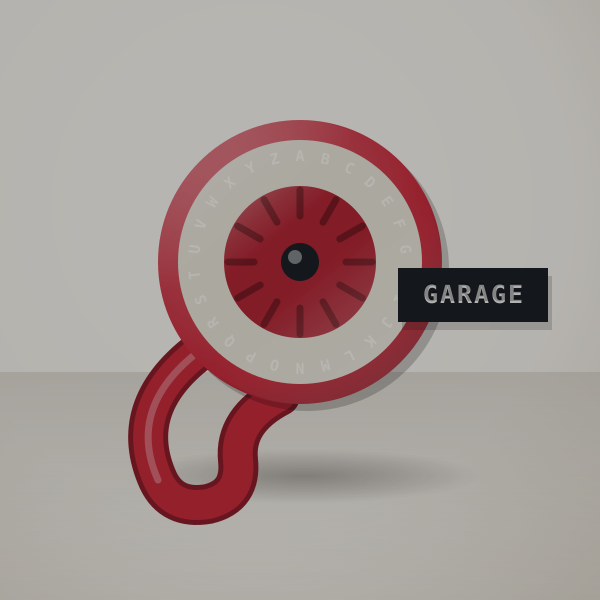 3D render, not a photo
Why an old-fashioned embosser still sells
There is nothing to run out of except tape: no batteries, no charger, no app updates. For a child, a classroom or a craft drawer, that matters most.
Raised white letters on coloured vinyl look good on gifts and jars as well as toolboxes in a way thermal printing never does.
It is one of the most-reviewed label makers on Amazon, and has been around long enough that refills are everywhere.
A child's afternoon, worked out
A box of toys, a shelf of craft jars and a dozen gift tags is about twenty labels. There is no battery to run flat and no app to update, and a refill roll costs only a few dollars.
Tape and cost per label
DYMO embossing tape, 3/8 inch (9 mm), in several colours.
Pennies per label; embossing tape refills are among the cheapest supplies in this guide. Try your own price.
- System
- Embossed vinyl tape (3 tapes in the box)
- Power
- None, manual
Who it suits
- Children who want to make their own labels with no screens.
- Craft tables and gift wrapping, or toolboxes with a retro look.
- Anyone who never wants to buy batteries for a label maker.
What trips people up
- It takes some hand strength
- Younger children may need help squeezing.
- Labels can lift on curved surfaces
- Use it on flat surfaces, or press the label down firmly for a day.
- Text is large and limited
- Use an electronic label maker for files and small text.
Refills and colours
The starter kit is all you need; add a multi-colour tape pack for crafts.
In the box
- The embossing label maker
- Three tapes: two black and one red, per the listing
Your first label, step by step
- Load the tape.
- Turn the 49-character wheel to each letter and squeeze firmly.
- Cut and peel.
Good fit, poor fit
Good fit if you want a fun, no-power labeler with a retro look.
Poor fit if you need small, sharp text. A thermal machine like the PT-D220 prints cleaner.
DYMO Organizer Xpress Pro Embossing Kit or DYMO LetraTag 100H?
The LetraTag prints neater and smaller text and handles long labels; the embosser needs no power and looks better on gifts and boxes.
Against similar machines
| Machine | Prints on | Widest label | Design with | Power | Cost per label |
|---|---|---|---|---|---|
| DYMO Organizer Xpress Pro Embossing Kit | DYMO embossing tape | 9 mm | Turn-and-squeeze dial | None | Pennies |
| DYMO LetraTag 100H | DYMO LetraTag (paper or plastic) | 12 mm | ABC keyboard | Batteries | About 8¢ to 17¢ |
| Brother P-touch PT-D220 | Brother TZe, laminated | 12 mm | Built-in keyboard | 6 AAA or adapter | About 14¢ to 21¢ |
| NIIMBOT D110 Mini Label Maker | Thermal label rolls | Small labels | Phone app | Built-in rechargeable | Roughly 3¢ to 6¢ |
Other machines to consider
- DYMO LetraTag 100H: You want small neat text and longer labels. DYMO LetraTag 100H review. Check price
- Brother P-touch PT-D220: Labels need to survive water and handling. Brother P-touch PT-D220 review. Check price
- NIIMBOT D110 Mini Label Maker: You want colourful, patterned labels designed on a phone. NIIMBOT D110 Mini Label Maker review. Check price
Buyer questions
Does the DYMO embosser need batteries?
No, it is fully manual.
What tape does it use?
DYMO embossing tape, 3/8 inch (9 mm).
Is it good for kids?
Yes, with help squeezing for younger children.
Worth it for a child or a craft table?
If you want a fun, battery-free label maker for a child or a craft table, order the Organizer Xpress Pro.