Home / Reviews / DYMO LabelWriter 550 and 550 Turbo
DYMO LabelWriter 550 and 550 Turbo review
The LabelWriter 550 prints address and file labels from a computer, and name badges too, without ink, and the 550 Turbo adds LAN sharing and up to 90 labels a minute. Owners mention one drawback more than any other: it only works with DYMO-branded labels.
- Best as
- Best for address labels from a computer
- Prints on
- DYMO LabelWriter thermal labels only; the printer reads a chip in authentic DYMO rolls.
- Cost per label
- Roughly 3¢ to 5¢ per address label on DYMO rolls; larger labels cost more.
Imogen Pratt, updated 11-01-2026. Sources: Your Best Digs (2023 update); Amazon listings.
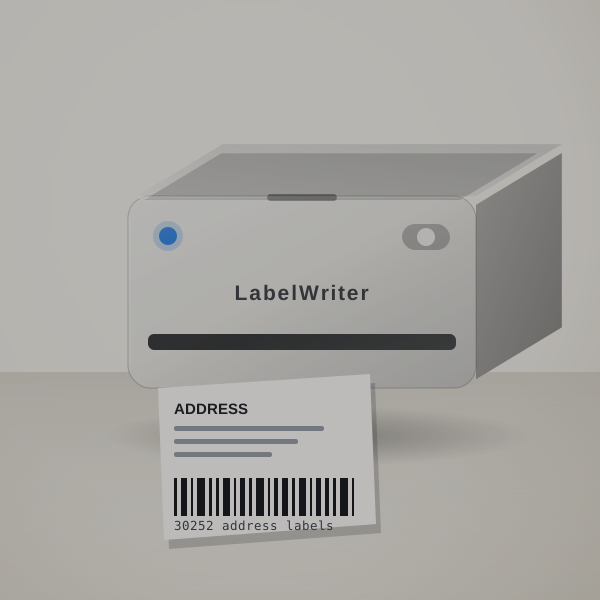 3D render, not a photo
Exact quantities, no sheet waste
For a desk that prints address labels and folder labels every day, it beats sheet labels: you print exactly the number you need and waste nothing.
Automatic label recognition means the software always knows which roll is loaded.
The Turbo version adds LAN, so a whole office can share one printer, and its listing quotes up to 90 labels a minute.
A mailing, worked out
A mailing to 350 customers is one roll of DYMO address labels, typically $10 to $18. You print the exact number, so a 37-envelope job wastes nothing, unlike a sheet of 30.
Label spend by order volume
Label spend grows with your order count.
| How you use it | Labels | Labels a year | Spend a year |
|---|---|---|---|
| A few orders a week | 20 a month | 240 | $7 to $12 |
| A busy Etsy or eBay shop | 150 a month | 1,800 | $54 to $90 |
| Daily shipping | 600 a month | 7,200 | $216 to $360 |
Labels and cost per parcel
DYMO LabelWriter thermal labels only; the printer reads a chip in authentic DYMO rolls.
Roughly 3¢ to 5¢ per address label on DYMO rolls; larger labels cost more. Try your own price.
- System
- Direct thermal label rolls
- Labels
- DYMO-branded labels only (listing)
- 550 Turbo extras
- USB and LAN, up to 90 labels a minute (listing)
Which sellers it suits
- Offices printing address labels and file labels every day.
- Small businesses mailing letters and invoices.
- Events printing name badges from a list.
Getting the first label out
- Install DYMO Connect on Windows or Mac.
- Load an authentic DYMO roll; the printer recognises the size.
- Print exact quantities from your address list.
The DYMO-only label rule
- Only DYMO-branded labels work
- This drives most of the negative reviews. Price your labels before you buy.
- Turbo vs standard
- Only the Turbo has LAN; the standard 550 listing gives no speed.
Turbo or standard?
Buy the standard 550 for one desk, the Turbo for a shared office, and buy DYMO rolls in multi-packs.
In the carton
- The LabelWriter 550 or 550 Turbo
- Cables; check the listing for a starter roll
DYMO LabelWriter 550 and 550 Turbo or Rollo USB Shipping Label Printer?
The Rollo takes any brand of labels and is built for 4x6 shipping; the LabelWriter is better for address and file labels on DYMO's software, at the cost of label choice.
Shipping printers compared
| Machine | Prints on | Widest label | Design with | Power | Cost per label |
|---|---|---|---|---|---|
| DYMO LabelWriter 550 and 550 Turbo | DYMO LabelWriter labels only | Address and file sizes | Computer | Mains power | Roughly 3¢ to 5¢ |
| Rollo USB Shipping Label Printer | Any-brand thermal labels | 4.1 in | Computer (USB) | Mains power | Roughly 3¢ to 6¢ |
| Brother P-touch PT-D610BT | Brother TZe, laminated | 24 mm | Keyboard, phone app or computer | Adapter; check the bundle | About 14¢ to 21¢ |
Right for your shop?
Good fit if you print address and folder labels from a computer, and the Turbo if an office shares it.
Poor fit if you want to buy any brand of labels. The Rollo is open to other rolls.
Other shipping printers
- Rollo USB Shipping Label Printer: You want any-brand labels and 4x6 shipping. Rollo USB Shipping Label Printer review. Check price
- Brother P-touch PT-D610BT: You want laminated labels for shelves and assets as well. Brother P-touch PT-D610BT review. Check price
Seller questions
Does the LabelWriter 550 work with third-party labels?
No, only authentic DYMO labels.
What does the 550 Turbo add?
LAN networking and, per its listing, up to 90 labels a minute.
Does it need ink?
No, it is a direct thermal printer.
Worth it if you accept DYMO labels
If your desk prints address and file labels daily and you are happy to buy DYMO rolls, order the LabelWriter 550, or the Turbo for a shared office.